
10CRIC App Download APK (Android & iOS) Guide

Nalin Deshpande Feb 2, 2026 Last update
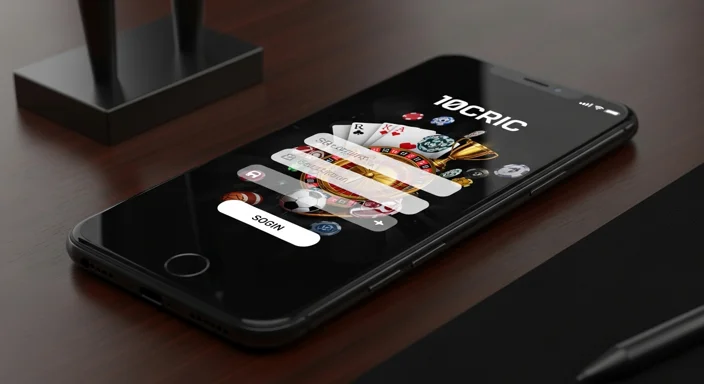
The 10cric app login process is usually quick, but small issues like OTP delays, wrong passwords, or app permissions can block access. This guide shows the fastest way to sign in, reset your details, and fix common errors so you can get back to your account.
If you still need the app itself, start from the official 10cric app page so you’re using the correct version.
Use this basic flow first—most login problems come from outdated app versions, cached data, or mismatched credentials.
If you don’t have the latest build or the app won’t open reliably, update/reinstall using the official steps: app download and how to install 10cric app.
If your 10cric app login password isn’t working, reset it directly from the login screen instead of guessing (too many attempts can trigger a temporary lock).
Below are the most frequent causes of failed access in the 10cric login app, along with fixes you can do in minutes.
| Issue | Likely cause | Fast fix |
|---|---|---|
| “Incorrect password” | Wrong credential, caps lock, old saved password | Use Forgot Password, disable keyboard auto-correct, retype manually |
| OTP not arriving | Network delay, SMS filtering, inbox full | Retry once, check spam filters, clear inbox space |
| App stuck on loading | Corrupted cache, weak connection | Switch network, restart app, clear cache (Android) |
| “Something went wrong” | Temporary server/app conflict | Update app, try later, reinstall if persistent |
| Can’t stay logged in | Battery optimization/background limits | Allow background activity, disable aggressive battery saving for the app |
An outdated APK/app build can fail at login after backend updates.
Some devices block OTP autofill or network activity.
If you registered with a mobile number, logging in with an email (or vice versa) can look like a wrong password issue. Use the same identifier you used at signup.
These habits reduce login failures and protect your balance.
If you’ve tried password reset, checked OTP delivery, and updated/reinstalled, contact support—especially if you suspect account lock or verification issues.
Need help?
You can also use Live Chat inside the app (when accessible) or call +911171816618. When contacting support, share:
Open the app, tap Log in/Sign in, enter your registered phone/email and password (or OTP if available), then complete any verification prompts.
Use the Forgot Password option on the login screen to reset it via OTP/email. Avoid repeated guessing, which can trigger temporary lockouts.
OTP delays usually come from network issues, SMS filtering, or a full inbox. Toggle airplane mode, check spam/blocked messages, clear inbox space, then request a new OTP once.
Switch to a stable Wi‑Fi/mobile network, close and reopen the app, clear cache (Android), and update/reinstall the app from the official download instructions.
It’s safer to log out on shared devices. On personal devices, use a strong passphrase, device screen lock, and avoid saving passwords if others can access your phone.
Use the official guides: app download and installation instructions at /app-download and /how-to-install-10cric-app.